Week 3 - Laws of Attraction
This week I had a hard time coming up with an idea. Implementing forces felt like a really broad brief that could apply to a lot of different sketches. Following the theme of maps from week 1, I was thinking of using a flow of forces to simulate a river, and how it can change over time (similar to river system visualization). After reading through the Nature of Code chapter, I realized that implementing the river system would be difficult and propably best suited for when we get to particle systems
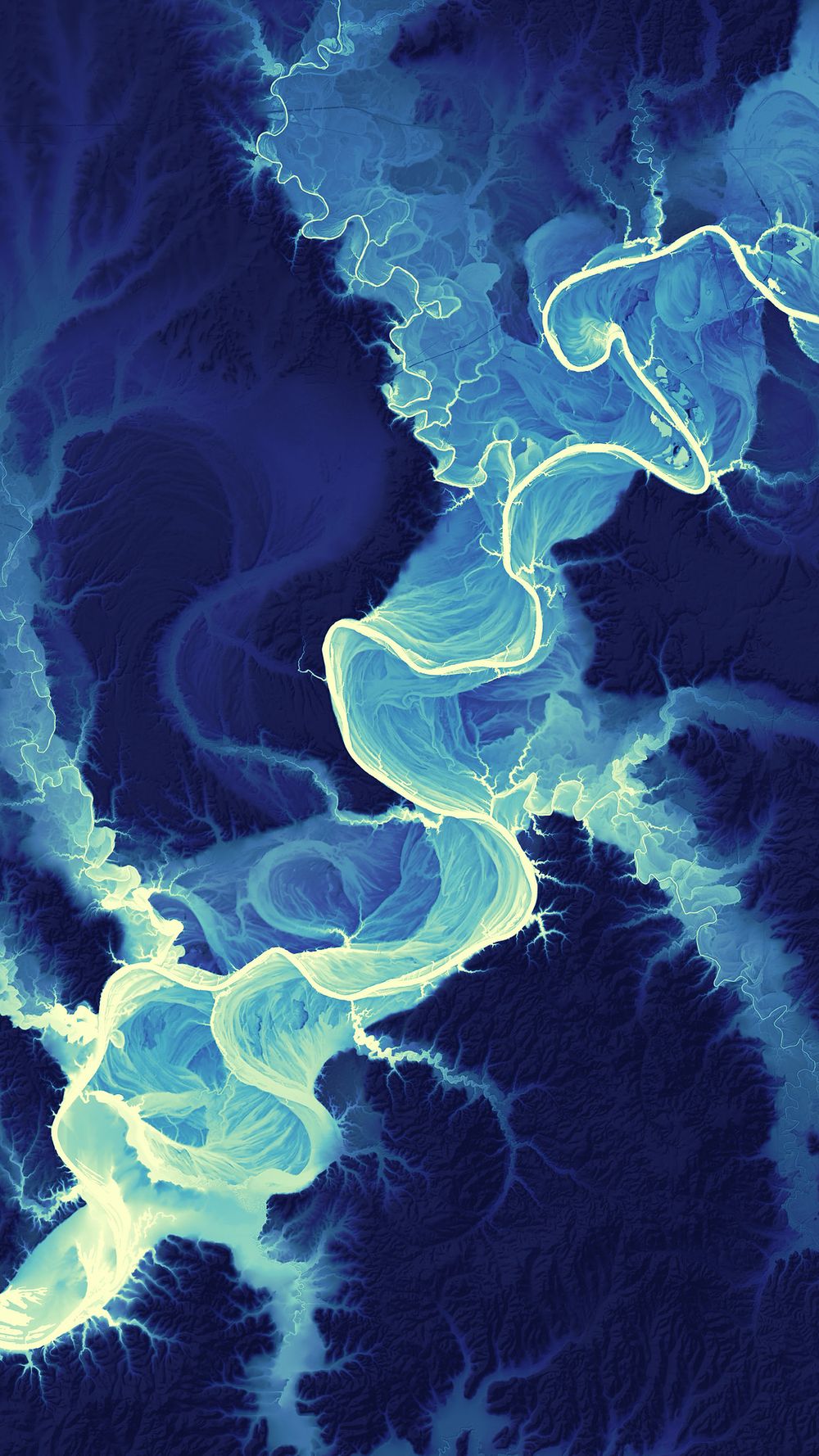 Figure 1. River system visualization
Instead of river systems I thought to try and use video to effect various forces over the canvas. My thought would be to reduce a video to a series of pixelated boxes to average out the values, within each box set a foce based on the color, and then apply the forces to an element as it moves across the canvas.
The first step to simplify the video into pixels took my some time as I had to remember back to ICM and how to iterate across the pixel array. At first I was creating a. series of colored squares but both their spacing and color were far from what I was looking for.
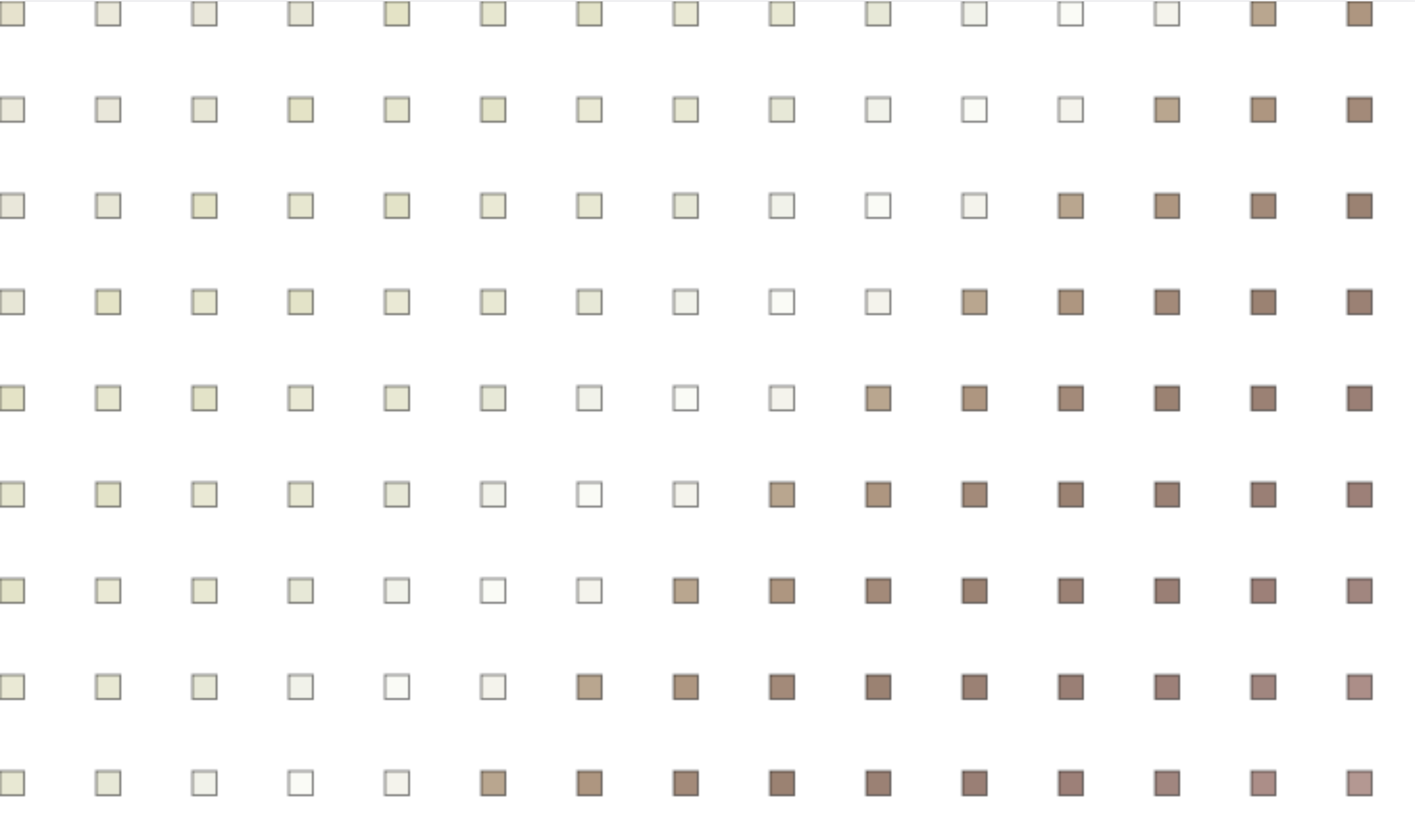 Figure 2. Early pixel grid attempt
I fixed up the code to actually generate the pixel grid correctly, and set the each color to be the brightness of the pixel so the sketch's foreground would be easier to see.
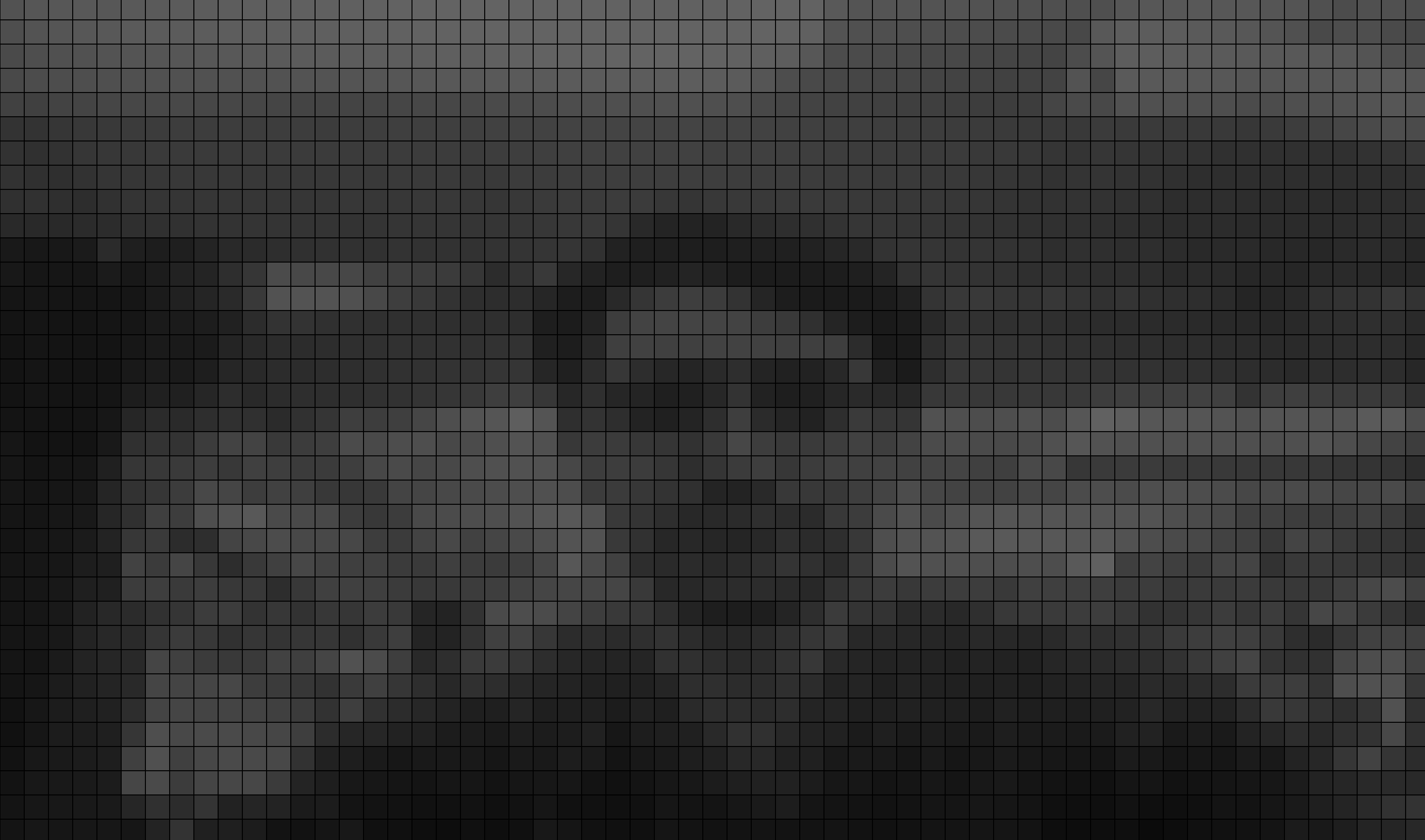 Figure 3. Generated pixel grid
Once the grid was added, a force vector was added for each pixel. The pixel's brightness value would set the y vector, and the saturation would set the x vector. To visualize the force each pixel had, I added a line pointing in the dicrection of the force, and to debug, added the color value text too.
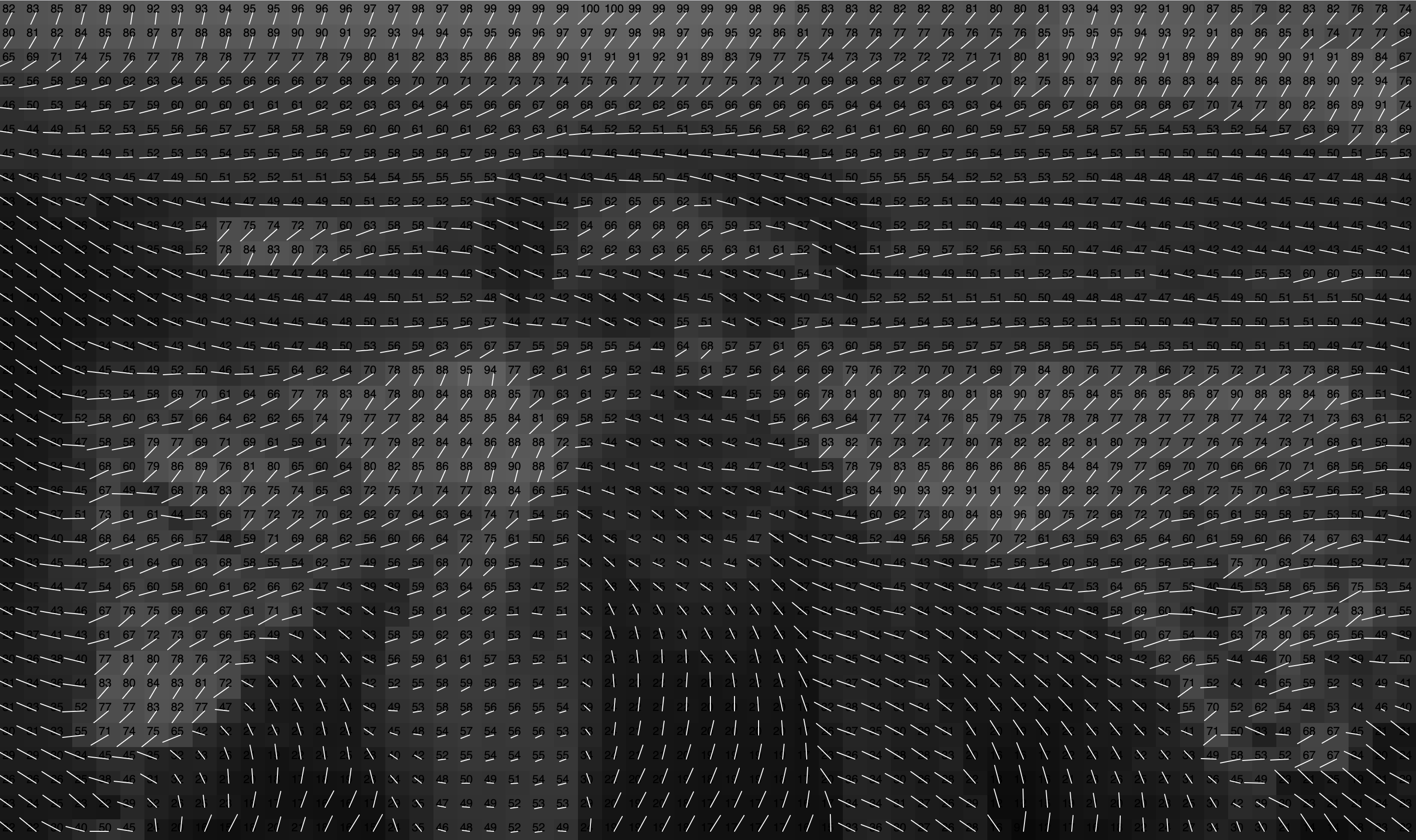 Figure 4. Visualizing force vectors
To finalize the sketch, I updated how the force is applied to the element and visualized the path the mover takes to make the sketch into a time-based composition.